
Track calories in seconds.
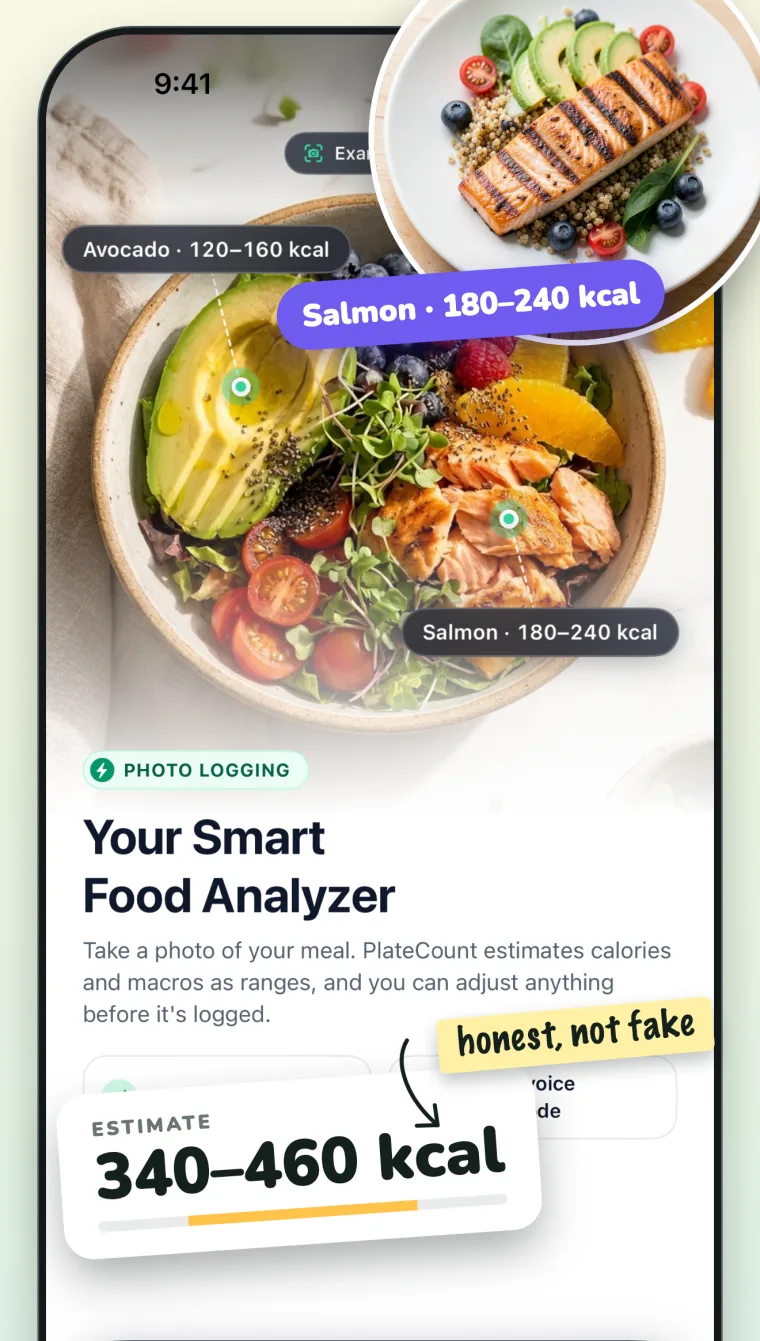
Snap your meal or say what you ate. PlateCount gives you an honest calorie range you can adjust, and keeps your diary on your iPhone.
- Offline diary
- No ads
- No sign-in account
- Free to start
Log a meal in three steps
No scrolling through long food lists when you do not want to.
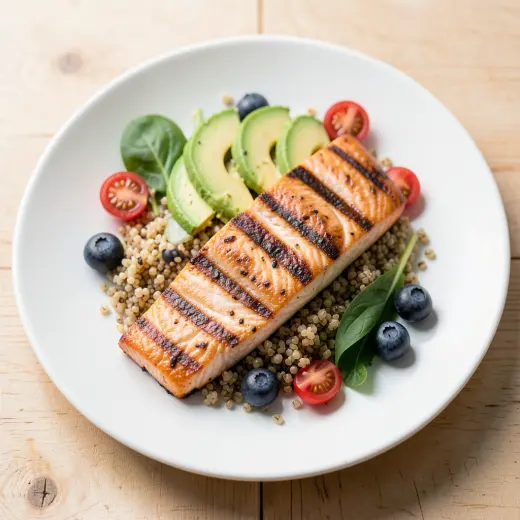
Snap or speak
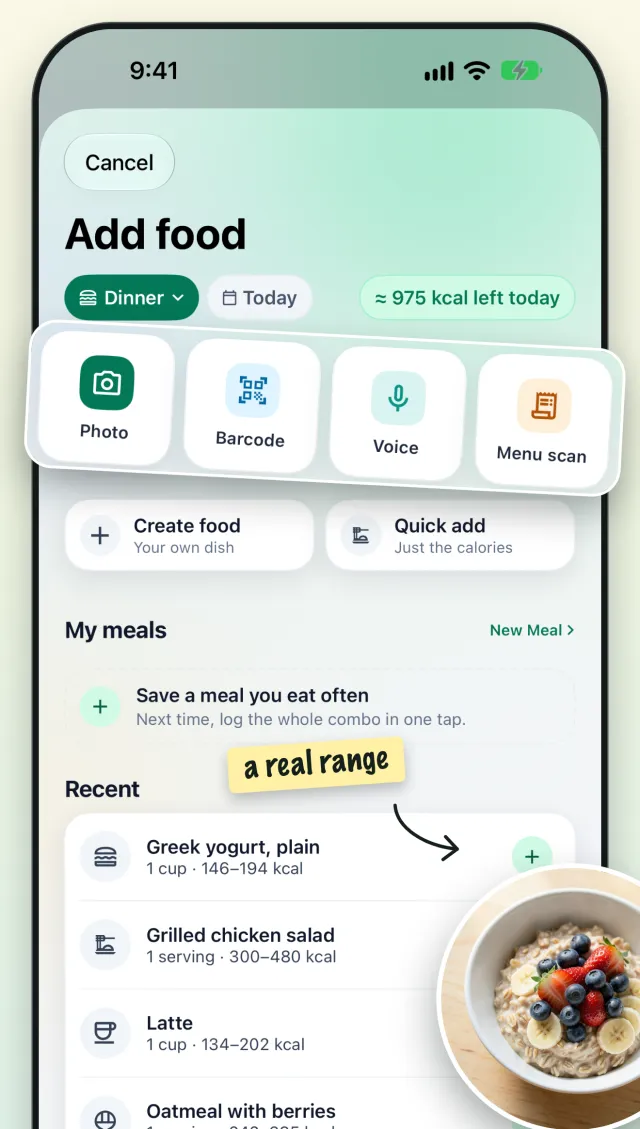
Take a photo of your plate or say what you ate. You can also scan a barcode or a menu.
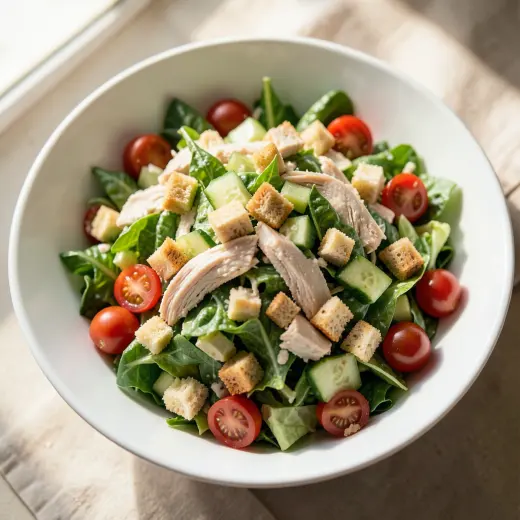
Check the range
PlateCount suggests calories and macros as a range. Change anything before you save.
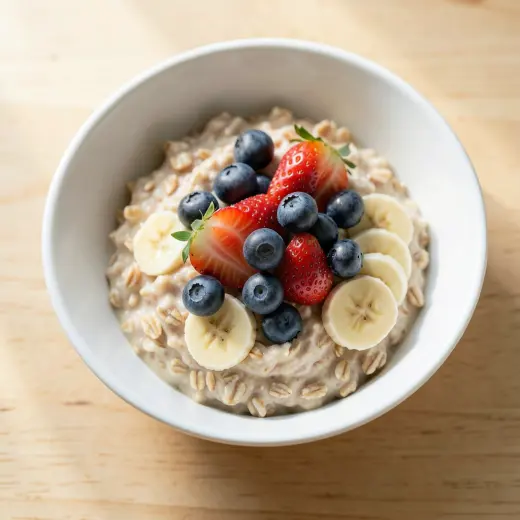
See your day
Your totals, your history and your weight trend, in one calm view.
Four ways to log
- PhotoSnap your plate
- VoiceSay what you ate
- BarcodeScan packaged food
- Menu scanCheck a restaurant menu
Honest ranges, not fake numbers
Food is not exact, so PlateCount does not pretend. You see a range for every meal, and you stay in control of the final number.
- Photo, voice, barcode and menu scan
- Save meals you eat often and log them in one tap
- Edit any estimate before you save
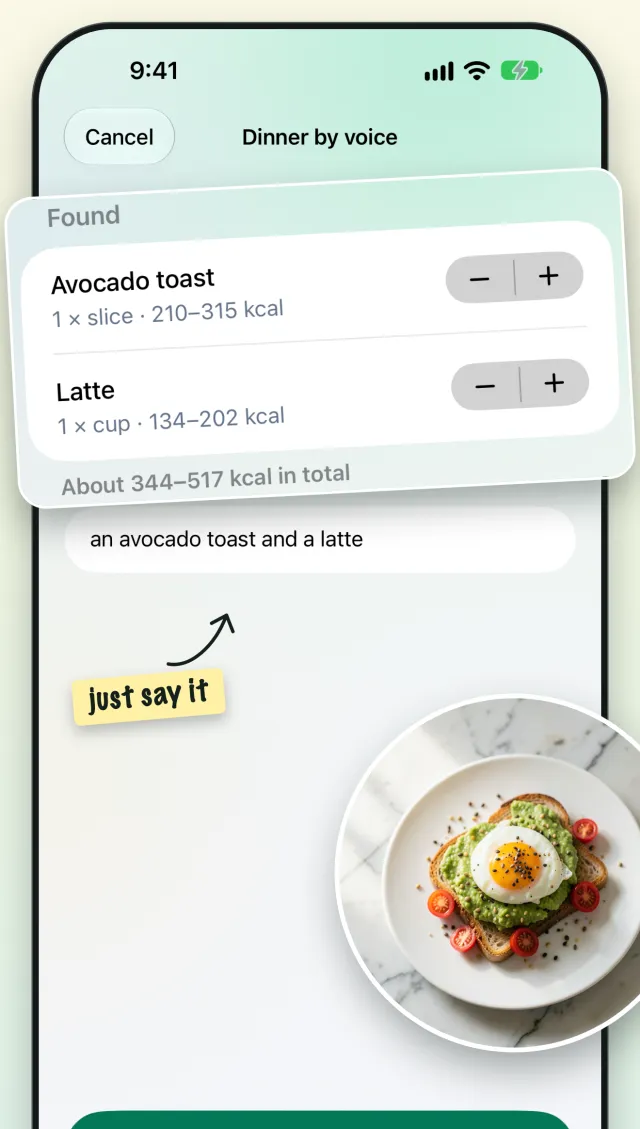
Just say what you ate
Hands full? Say it out loud, like “an omelette and a boiled egg”. PlateCount finds the foods and a range for each one.
- Works with everyday language
- Check and adjust every item
- Only runs after you allow AI estimates
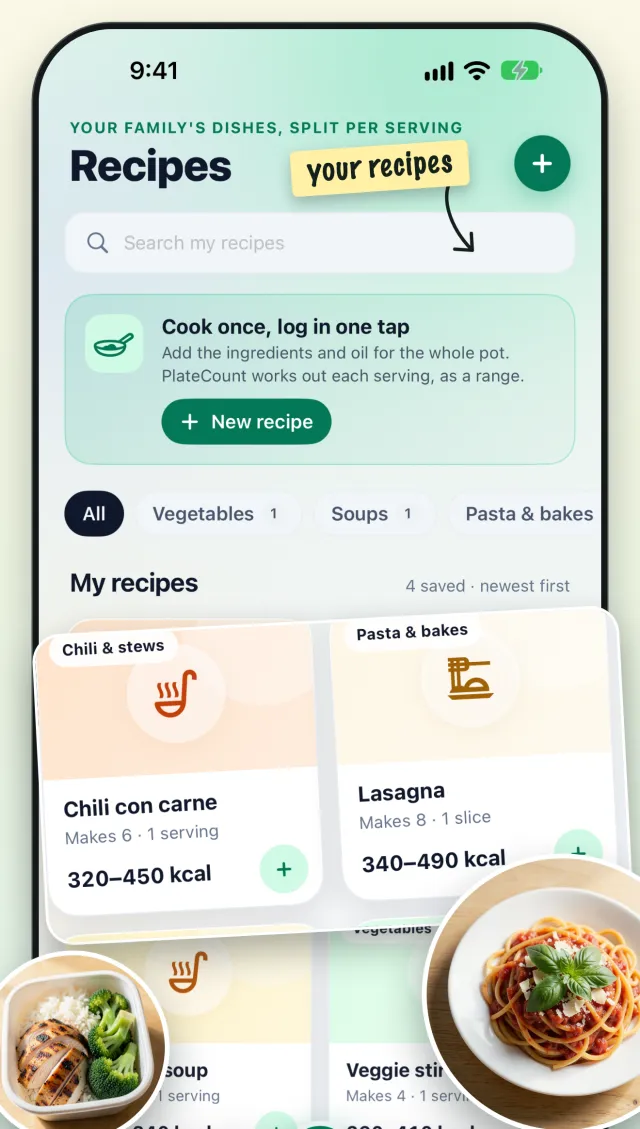
Cook once, log in one tap
Save your own recipes and log a serving of home cooking without re-entering every ingredient.
- Recipes work out each serving as a range
- Home-cooked and everyday foods
- Your recipes stay on your iPhone
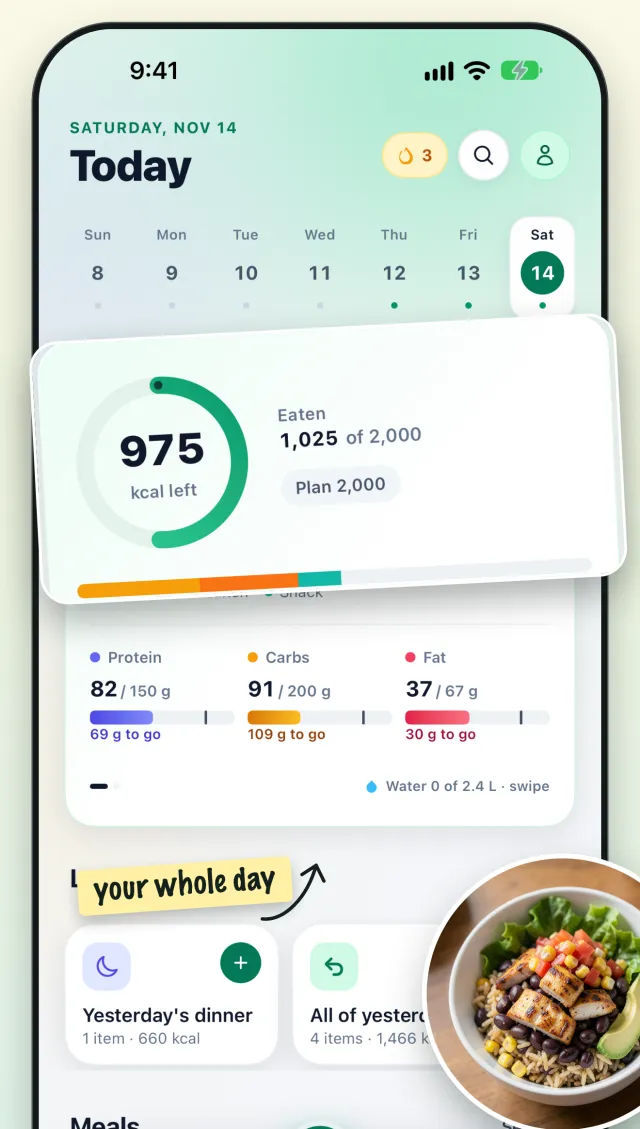
Your whole day at a glance
A clear Today view with calories left, protein, carbs and fat. Your diary lives on your iPhone, so it opens fast and works offline.
- Calories left, macros and water
- Full history, free forever
- No ads. Optional iCloud sync, off until you turn it on
Made for real plates
Breakfast, lunch, dinner and the snack in between.

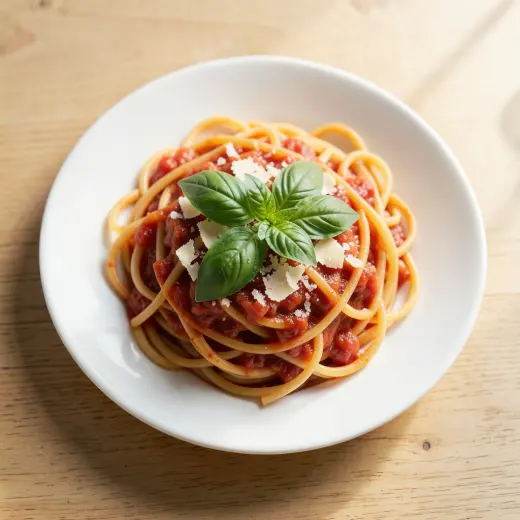
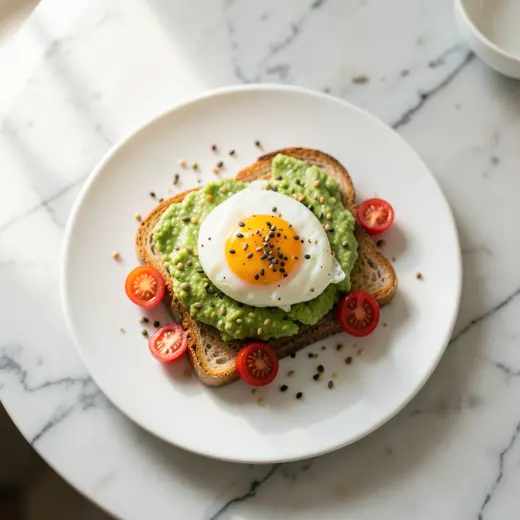


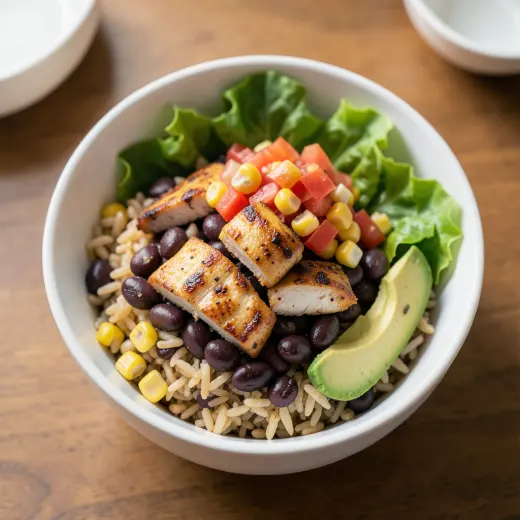
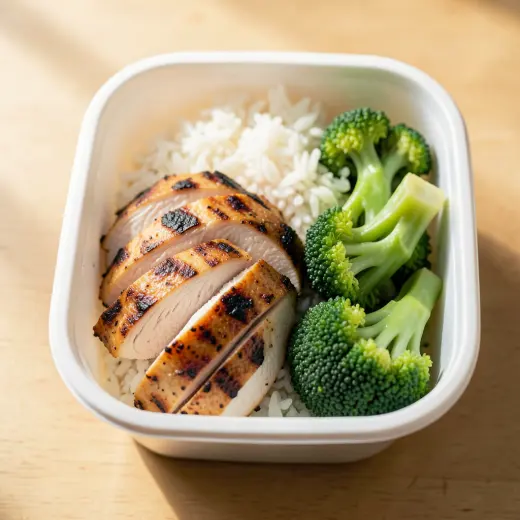
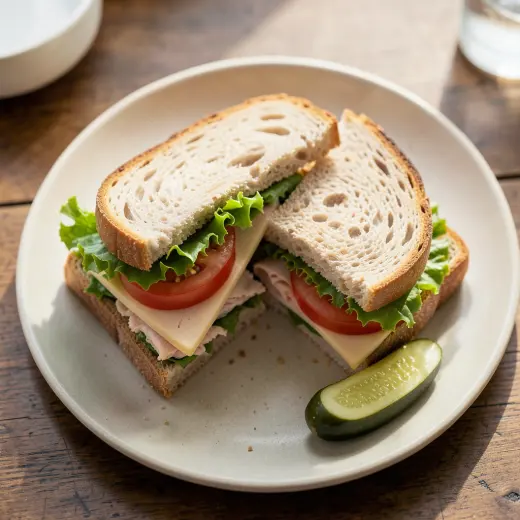
Food images are illustrations.
Free to start. Plus when you want more.
Prices are in US dollars and can differ by country. The App Store shows your price before you buy.
Free
Everything you need to keep a diary.
- Barcode scanning
- Manual logging
- Your full history, free forever
- A weekly allowance of AI photo scans
PlateCount Plus
Unlimited photo logging and menu scanning.
3-day free trial
- Unlimited photo logging
- Unlimited menu scanning
- Cancel any time in iOS Settings
The 3-day free trial is for the yearly plan only. Payment is charged to your Apple ID. Plans renew automatically unless you turn off auto-renew at least 24 hours before the period ends. See the Terms.
Private by design
Your food diary belongs to you. Here is what that means.
- No ads, no trackingNo ad SDKs and no tracking across other apps.
- Stays on your iPhoneYour food log, weight and profile are stored on your device.
- AI only with consentA photo or voice note is sent only when you scan, after you agree, and is not stored.
Questions
How does PlateCount estimate my meal?
You take a photo or say what you ate. With your consent, it is sent to an AI model that suggests a calorie range and macros. You can change every number before you save.
Is it free?
Yes to start. Barcode scanning, manual logging and your full history are free, with a weekly allowance of AI photo scans. PlateCount Plus gives unlimited photo logging and menu scanning.
Where is my data?
Your food log, weight and profile stay on your iPhone. Meal photos and voice notes are used once for an estimate and are not stored. Read the Privacy Policy.
How accurate are the numbers?
They are estimates, shown as ranges. Portion size and hidden ingredients change the result. Check the numbers and edit them when you know better.
How do I cancel Plus?
Open iOS Settings, tap your name, then Subscriptions, choose PlateCount Plus and tap Cancel. Apple handles billing and refunds.
Do I need an account?
No sign-in account. The app uses an anonymous ID to count free scans and check Plus.
Calorie tracking that gets out of your way.
Not medical advice. PlateCount gives estimates for information only. It does not diagnose, treat or manage any condition. Talk to a doctor or a registered dietitian before you change your diet.